Intelligent Objects
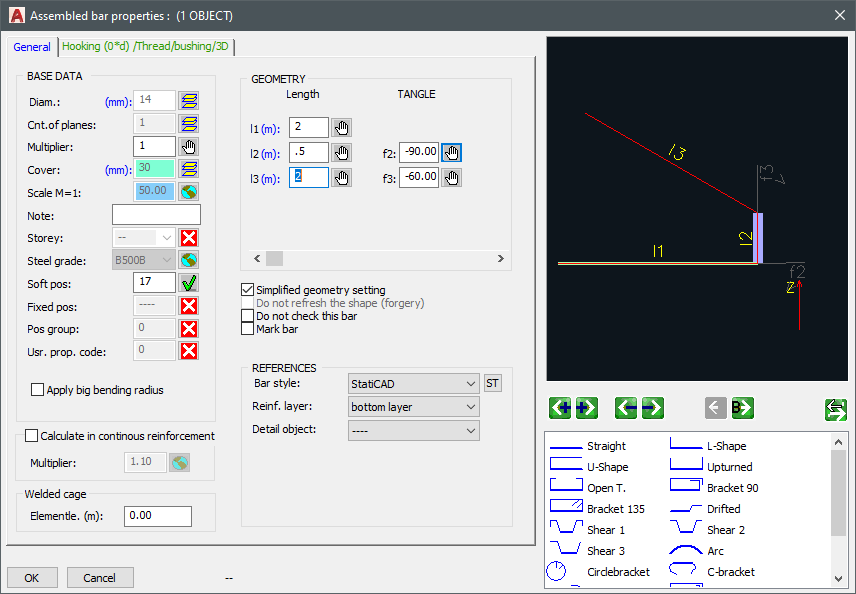
Any rebar can be created and edited as a polyline. The bending radius is automatically considered. Form is editable through dialogue (length, break angle, deflection, Dbr for stretches) or through conventional AutoCAD methods (grip points, stretch command). Additional grip points for concrete cover.
All rebars are rotatable around the main axes in 3D space through simple right-click menu commands.
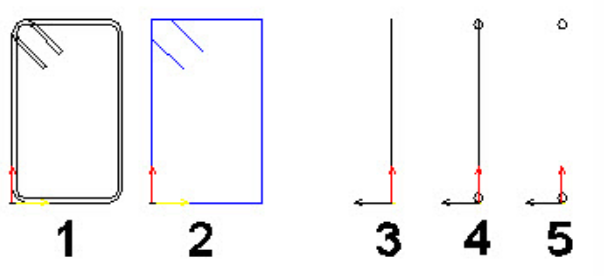
In the adjacent illustration, 1 and 2 represent different representation options of a rebar in the plane, while 3, 4, and 5 represent various presentation options of the same vertically rotated rod. The diameters of different rods are easily recognizable on the screen through the 'ByDiameter' color indication.
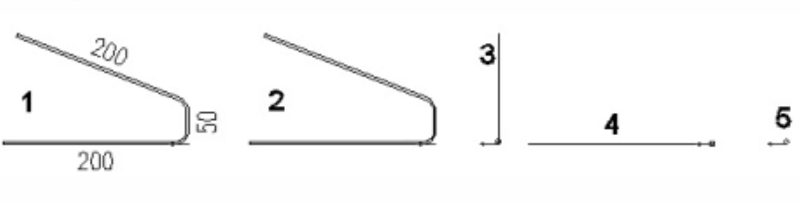
References enable multiple representations of main specimens (e.g., main specimen in plan, reference in section).
- 1: Bending form reference
- 2: XY reference
- 3: View reference direction 1
- 4: View reference direction 2
- 5: Point-section reference
The references reflect the properties of the main specimen; independently, they have insertion point, direction vector, and scale. All changes to the main specimen affect the corresponding references.
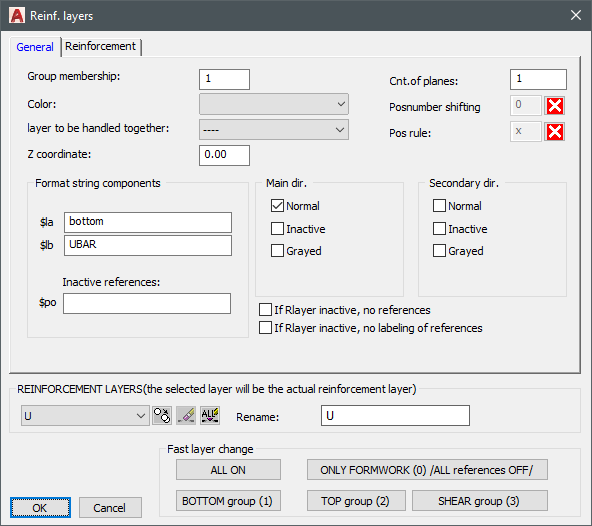
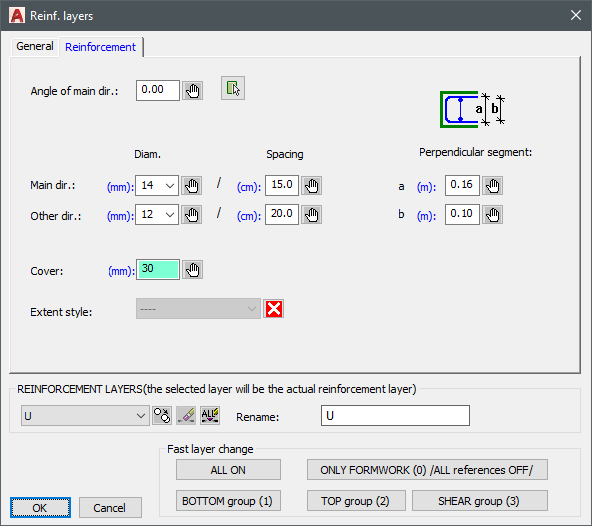
The position is a property of the rebar. Some bar properties, such as diameter, can be derived from the reinforcement layer. Thus, one can quickly change the diameter, rebar spacing, or the height of the stirrups of the base reinforcement. Reinforcement layers can be individually or group-wise shown or hidden.
Dimension changes can be made through boundary edges or by specifying values. When the boundary edge is stretched, the dimensions adjust automatically. The change steps can be recorded side by side. Several parameters of the rebar can be altered - in the illustration above, both the height (via boundary edges) and the width (by specifying a value) of the stirrup were changed.
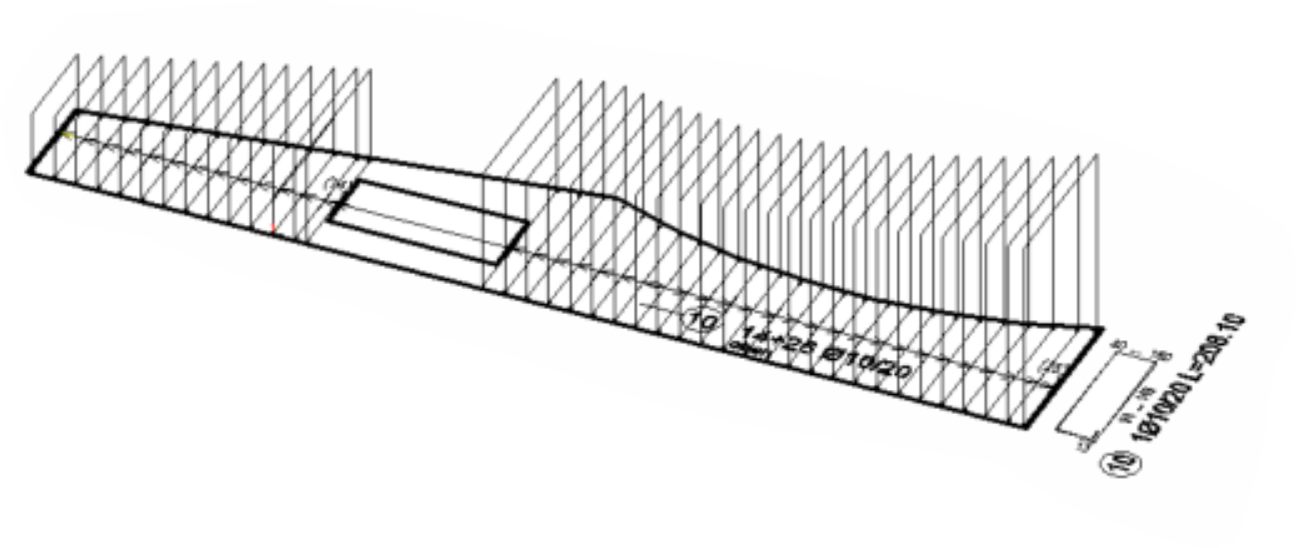
Only the selected directions and positions are displayed in control mode (no ladder, no labeling, but all bars). Thus, all reinforcement gaps and protruding bars are immediately recognizable. This function can also display the reinforcement zones without the disturbing base reinforcement.